
Move from Kompas4 to KompasX without starting over
KompasX is built on Kompas4. Your data, chart of accounts, configuration and integrations carry over, so the transition can fit the business rather than the other way around.
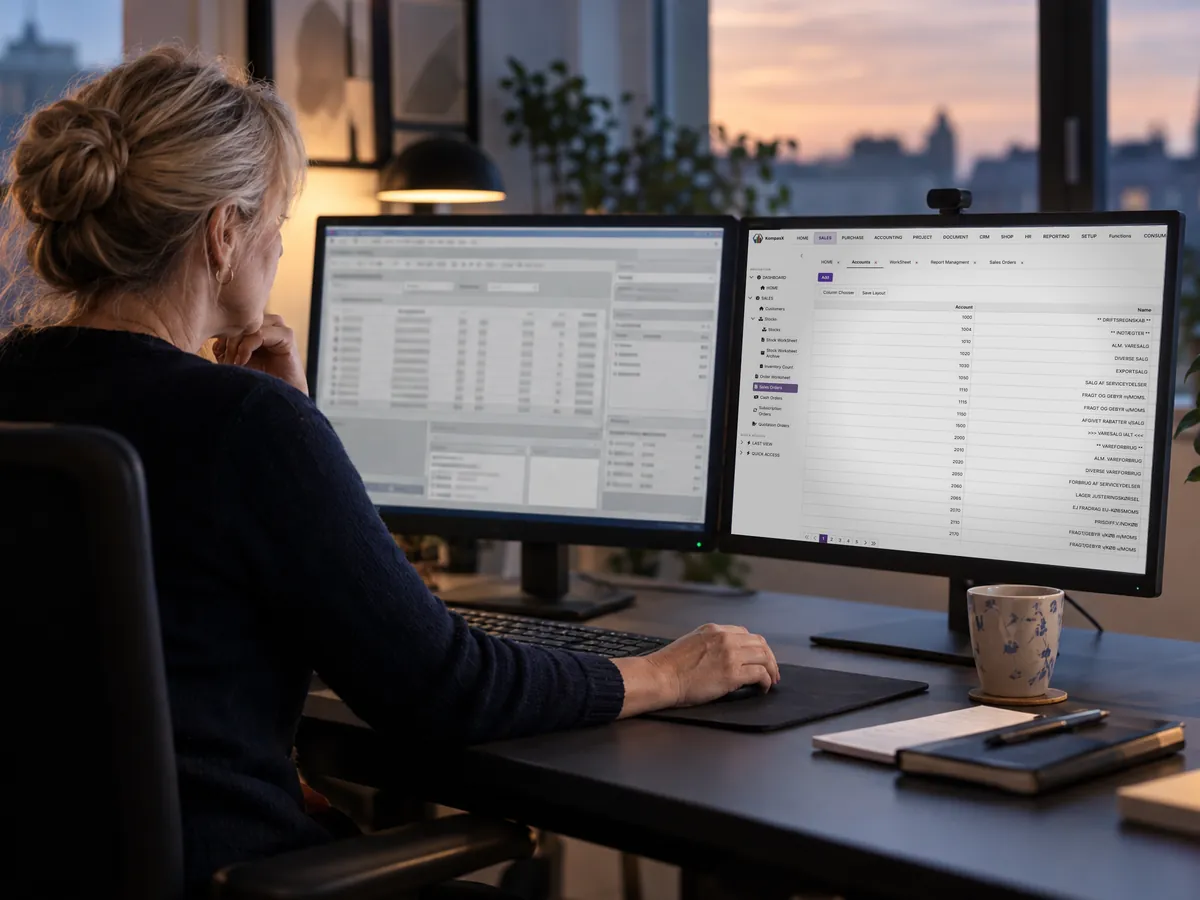
Your data carries over
History, chart of accounts and company configuration form the basis of the move.
Keep your integrations
Existing Kompas4 integrations are part of the transition to KompasX.
Work side by side
Kompas4 Online customers can use Kompas4 and KompasX together during the transition.
A familiar foundation in a new workspace
KompasX does not discard the experience and configuration in Kompas4. It extends the same business foundation with a new workspace available in the browser and across operating systems.
- Data and history
- Chart of accounts and configuration
- Existing integrations
- Workflows from Kompas4
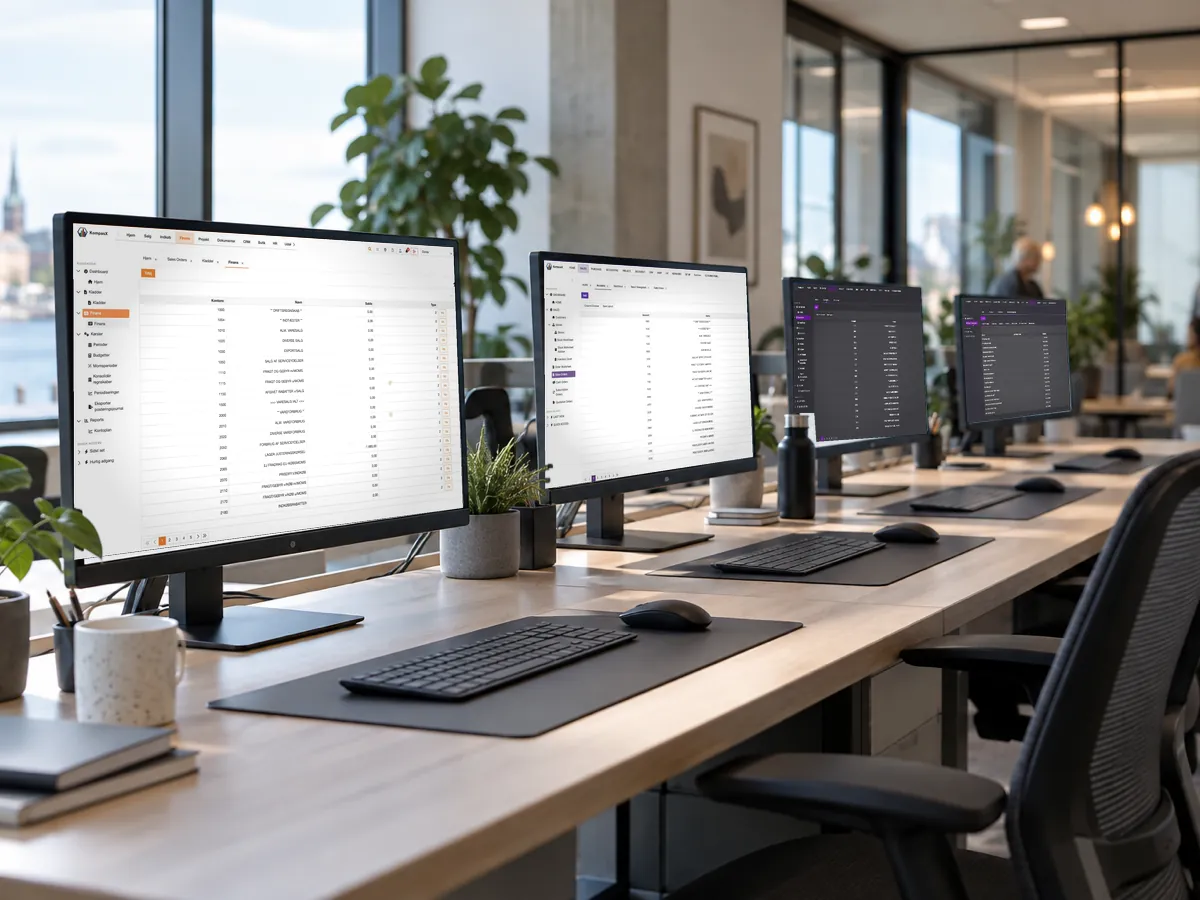
How the transition works
Kompas4 Online customers can try KompasX while continuing to work in Kompas4, allowing teams to become familiar with the new workspace at a controlled pace.
- Sign your business up for early access
- WiconSoft confirms needs and timing
- KompasX is prepared using your existing foundation
- Teams can adopt the new workspace step by step

Running Kompas4 locally?
The route for local Kompas4 installations depends on the specific setup. Contact WiconSoft so we can assess data, integrations and the right path to KompasX.
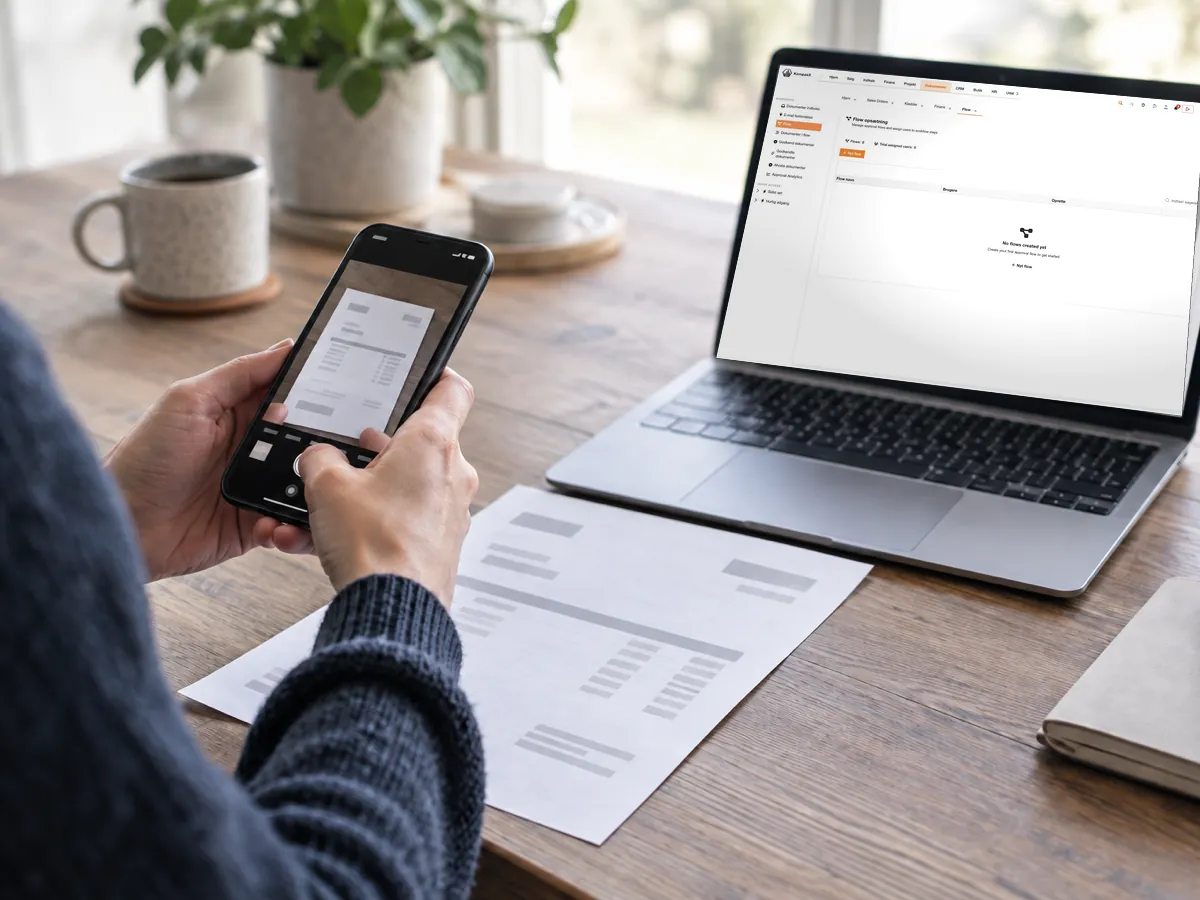
A controlled transition to KompasX
We clarify your current setup
KompasX is prepared from the existing foundation
Employees learn the new workspace
Kompas4 Online can run alongside it during the transition
Questions about moving from Kompas4
Will we lose our history?
No. KompasX is designed so that data and history from Kompas4 carry over.
Can we continue using Kompas4 during the transition?
Kompas4 Online customers can use Kompas4 and KompasX side by side. Local installations are assessed individually.
What happens to our integrations?
Existing Kompas4 integrations carry over as a starting point. WiconSoft reviews the specific setup as part of the transition.
Ready to see KompasX with your own data?
Sign up for early access and we will discuss the right transition from Kompas4.
Get early access